Before you begin
A Square account. Sales needs separate Orders and Payments read permission; discounts need catalog-update consent.
Operations and integrations
Import the catalog, understand sales, and schedule eligible discounts.
Open in StudioA Square account. Sales needs separate Orders and Payments read permission; discounts need catalog-update consent.
Catalog imports update connected menu drafts. Sales access is read-only. Confirmed discounts create Square rules without rewriting base prices.
An owner connects Square from Settings or the relevant Studio workflow. Choose the external Square location for the current venue. Each Venue Menus location has its own connection.
Catalog import uses catalog-read access. Sales requires separate Orders and Payments read permission. Scheduled discounts require explicit catalog-update consent. Reauthorize an older connection when adding permissions.
Square items, categories, variations, prices, and sold-out overrides can seed a menu draft without AI. Review the imported result before publication. Keep Square-owned prices and identifiers current at the source.
Owners can report 7, 30, or 90 UTC calendar days and switch between currencies present in the data. Best sellers subtract item discounts and itemized returns. Daily net collected uses completed payments less completed refunds, including tax, tips, and service charges before fees.
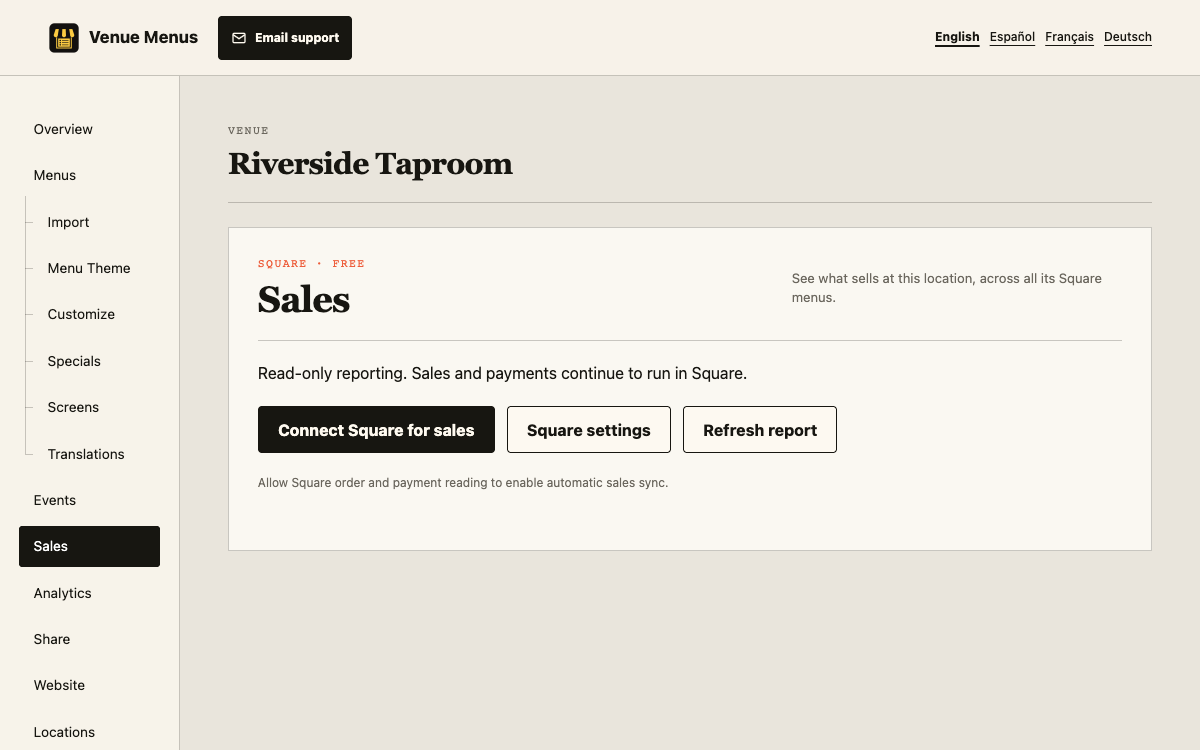
Amount-only refunds cannot be assigned to items. Reports are not profit, bank payouts, or a promise of exact local-business-day parity with Square.
Catalog-update consent lets owners create weekly percentage discount rules for selected imported items. Venue Menus never rewrites their base prices. Test rule timing, stacking, and offline till recovery.
The five-minute worker stores only allowlisted item IDs/names/quantities, monetary amounts, currencies, dates, and synchronization state. It does not persist customer, card, or refund-reason data. Financial rows and nonfinancial keg receipts expire after 90 calendar days.
Disconnecting stops collection and hides that account’s reports. Reconnecting the same environment and merchant can resume eligible keg automation.
A catalog sync updates the draft. It does not publish automatically, so staff retain a review step before guests see the change.
Reports cover 7, 30, or 90 UTC days and retain only a rolling 90-day history. Figures are operational reports, not profit, payouts, or guaranteed Square-dashboard parity.
Refresh connection state after changing permissions. Initial sales history can remain partial while bounded catch-up completes.
Still stuck? Email Venue Menus support with the location, menu or screen name and the action you were taking.