Before you begin
Publish the base menu first, then choose a target language in Translations.
Publish everywhere
Publish reviewed menu wording for guests who prefer another language.
Open in StudioPublish the base menu first, then choose a target language in Translations.
Translation drafts are saved separately. Publish this language affects web, QR, and embedded menus only; it never publishes base-menu edits.
Menu translations cover section headings, food item names, and item descriptions. Brand and drink names, brewery metadata, prices, serving sizes, and ABV remain unchanged. Guest web, QR, and embedded menus show a language picker; TV and print retain the original wording.
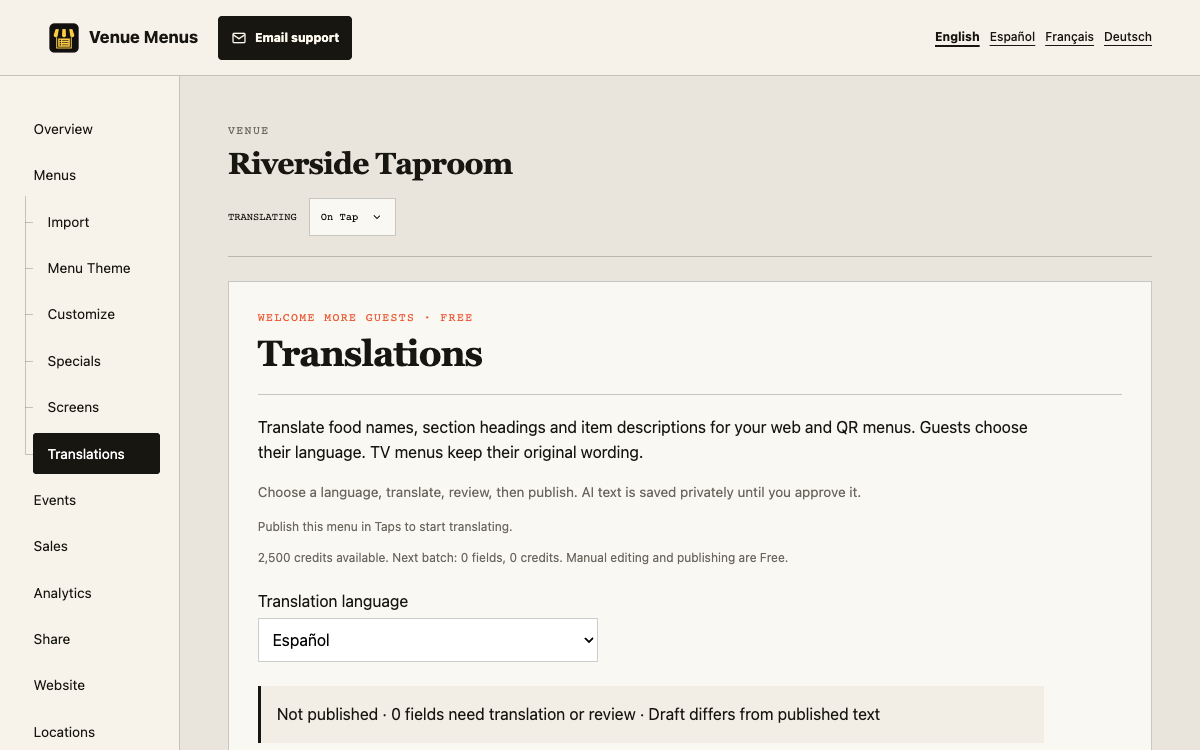
Publish this language makes reviewed wording available to guests. Unpublish this language removes that option without deleting the draft. Neither action publishes source-menu edits.
Changed source wording becomes outdated and falls back to the original text until translated and reviewed again. Price and availability edits do not invalidate wording. Existing reviewed fields remain intact when a later request fills other gaps.
Failed AI jobs return their reserved credits. Repeating the same request ID reuses its saved result rather than creating a second charge.
Each request covers up to 100 fields and 20,000 source characters. TV and print keep original wording; prices, sizes, ABV, and brand names are preserved.
Changed source wording falls back to the original until reviewed again. Reload saved translations before retrying stale work.
Still stuck? Email Venue Menus support with the location, menu or screen name and the action you were taking.