1. Prepare the display
Use a 1080p or better TV and a browser or connected device that can reopen a full-screen page after a restart.
TV menu guide
A stable TV menu setup needs a screen, a browser-capable device, reliable internet, and a display page designed to stay current and legible at a distance.
The useful answer
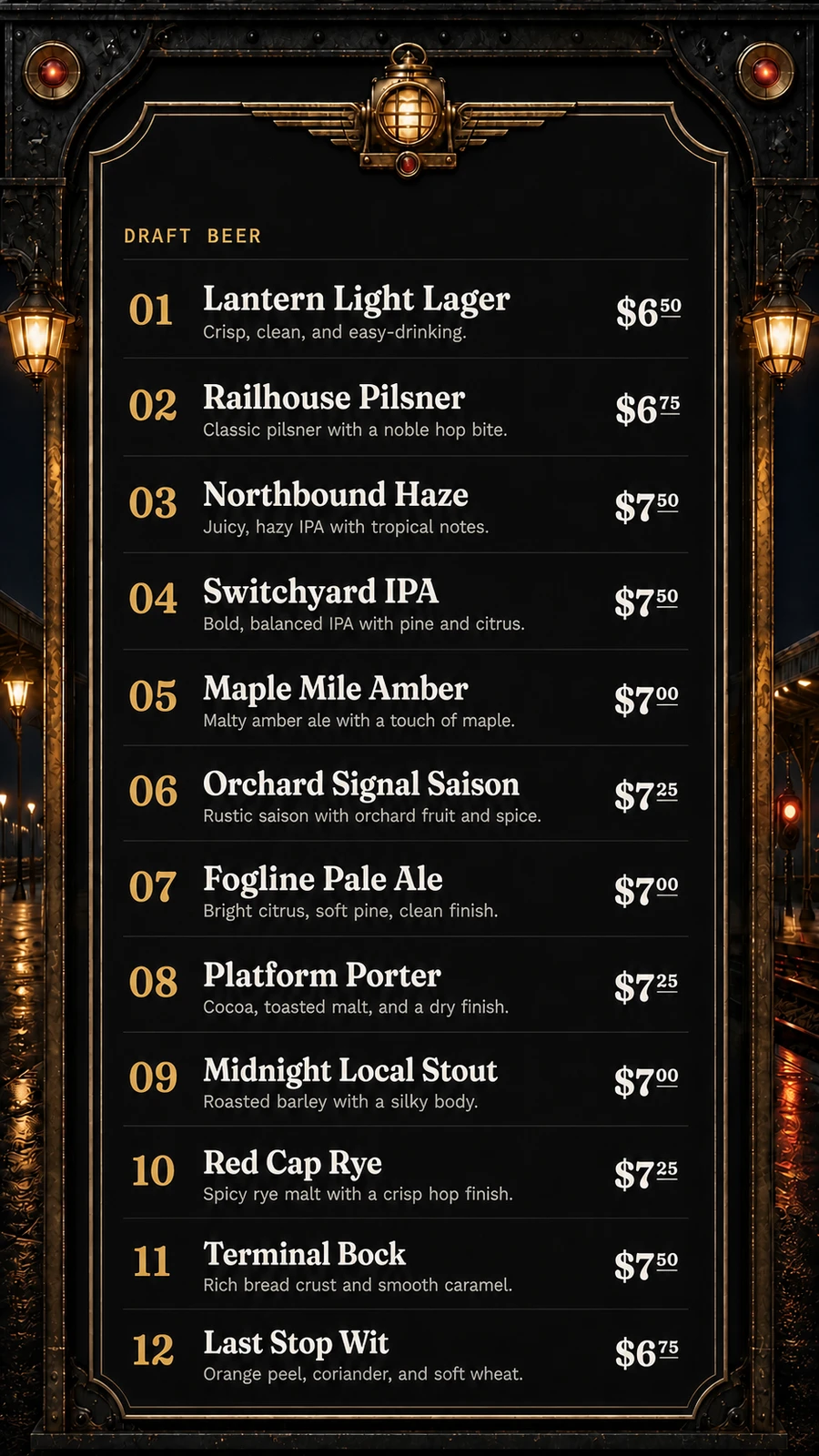
Connect the TV to a smart-TV browser or a small player that can open a web page. In Venue Menus, create a screen, choose its menu and landscape or portrait orientation, then open the screen's private display address in full-screen mode. Confirm that the longest beer names, descriptions, and prices fit from the guest viewing distance. After that, menu changes happen in Venue Menus rather than on the TV.
Use a 1080p or better TV and a browser or connected device that can reopen a full-screen page after a restart.
Create a Venue Menus screen, select the correct menu and orientation, and open its private screen URL.
Check glare, viewing distance, safe areas, network recovery, and the longest real item content before service.
One operating loop
Import Square or a supported Untappd Business tap list for free, or enter items manually.
Edit names, descriptions, prices, sizes, sections, and availability in your draft.
Use the same approved tap list for TV, web, QR, embed, and print, then update it during service.
Questions, answered
Usually, if it reliably loads a modern web page and can stay full-screen. A connected player may be more dependable for older TV software.
Landscape suits wide bar walls and columns of taps; portrait fits narrow wall areas. Choose based on the room and the amount of menu content.
The display device needs connectivity to receive updates. Test the device's reconnect behavior and keep an operational fallback for outages.
Free publication, unlimited screens
Import Square or a supported Untappd Business tap list, or enter your menu manually. Review and publish without a credit card.
Build my menu