The fields guests use
Show tap number, name, producer, style, ABV, description, serving size, and price in a consistent hierarchy.
Digital tap lists
Venue Menus turns a frequently changing draft list into one structured source of truth, with service-ready controls and every common menu format included.
The useful answer
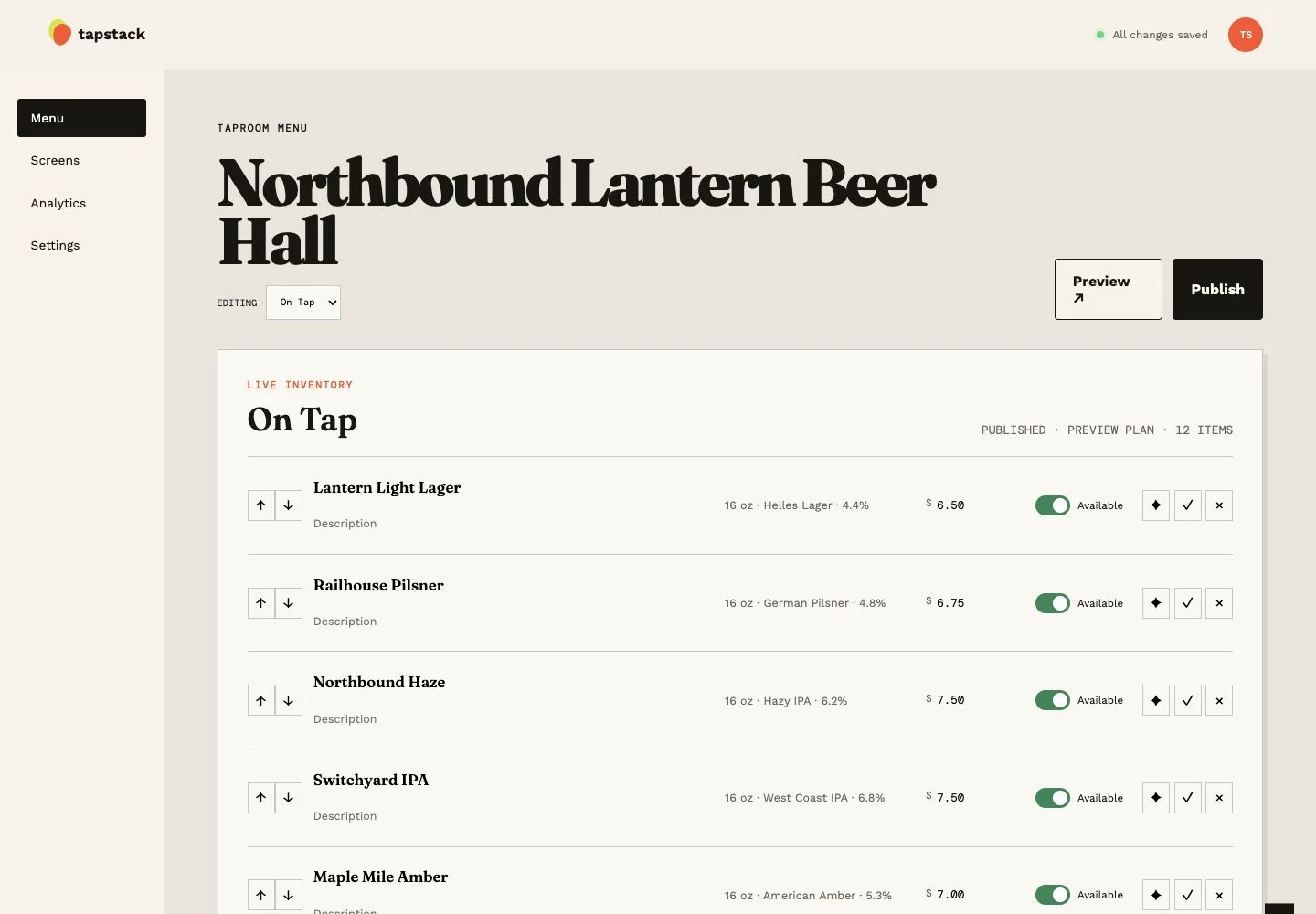
A digital tap list is useful when it reduces the time between a real-world change and an accurate guest menu. Venue Menus stores beer details separately from their placement on a menu, so a venue can reorder taps, change serving prices, mark availability, and reuse details without retyping them. The published views are generated from that current state.
Show tap number, name, producer, style, ABV, description, serving size, and price in a consistent hierarchy.
Reorder placements and toggle availability from the admin without opening the layout or touching each output.
Import from Square or a supported Untappd Business tap list, or enter items manually. Review and publish for free.
One operating loop
Import Square or a supported Untappd Business tap list for free, or enter items manually.
Edit names, descriptions, prices, sizes, sections, and availability in your draft.
Use the same approved tap list for TV, web, QR, embed, and print, then update it during service.
Questions, answered
The tap list is the shared data; digital signage is one output. Venue Menus also uses the list for web, QR, embed, and print.
Yes. Beer details and menu placements are separate, so an item can be placed where it is needed.
Yes. Optional beer research fills missing brewery, style, ABV, origin and description fields across a saved menu for 50 credits per 20 beers. Review sources and apply the draft before publishing. Manual entry and imports remain Free.
Free publication, unlimited screens
Import Square or a supported Untappd Business tap list, or enter your menu manually. Review and publish without a credit card.
Build my menu