From counter to phone
Use landscape or portrait TV boards, a hosted web menu, a website embed, permanent QR codes and browser print. All formats use your published menu information.
For coffee shops and cafes
Give espresso, filter coffee, tea and seasonal drinks a clear, good-looking home. Update your cafe menu in one workspace and publish it to the counter TV, your website, QR codes and print.
The useful answer
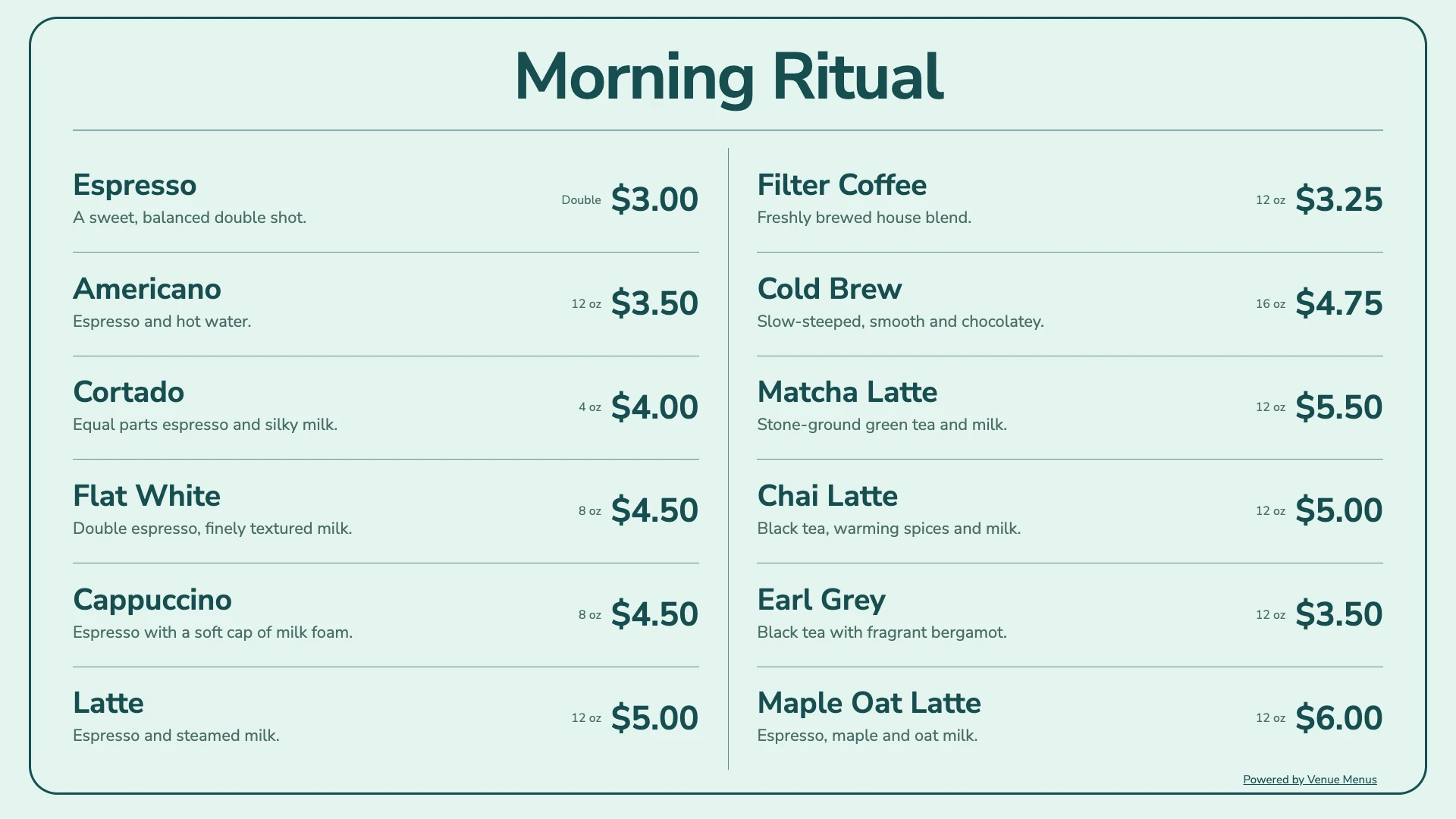
Venue Menus helps coffee shops present drinks, descriptions, serving sizes, prices and availability without rebuilding a graphic for every change. Organize espresso, brewed coffee, tea and cold drinks into sections, choose a free theme and review the menu before publishing. Guests read the web menu in their browser, with no app or account required.
Use landscape or portrait TV boards, a hosted web menu, a website embed, permanent QR codes and browser print. All formats use your published menu information.
Import items and serving variations, then keep catalog prices and sizes synchronized for free. Square remains the source for those fields; Venue Menus handles the presentation.
Give each cafe its own menus, screens and venue website. Team access, events, specials and menu scheduling are free across your locations.
Connect your assistant to edit menus, publish updates and manage screens or venue websites. MCP access is Free. You choose its permissions; spending and sensitive changes open a browser approval page.
Connect an assistantOne operating loop
Import Square or a supported Untappd Business tap list for free, or enter items manually.
Edit names, descriptions, prices, sizes, sections, and availability in your draft.
Use the same approved tap list for TV, web, QR, embed, and print, then update it during service.
Questions, answered
Yes. Enter drinks directly or review a PDF, photo or pasted-text import before adding items. Publishing and ordinary editing do not use credits.
Venue Menus presents the drinks menu. It does not take orders or payments or provide an ordering modifier flow. Keep your POS for those tasks.
Optional writing, translation, artwork and website drafting use prepaid credits after you confirm a quote. Manual tools and saved results remain free. Removing Powered by Venue Menus branding costs 500 credits once across all current and future locations. There is no subscription.
Free publication, unlimited screens
Import Square or a supported Untappd Business tap list, or enter your menu manually. Review and publish without a credit card.
Build my menu