Map the right items
Connect a Square location and bring relevant catalog variations into the structured menu instead of exposing an entire retail catalog.
Square integration
Connect a Square catalog to reduce duplicate entry while giving Venue Menus responsibility for the guest-facing menu across every format.
The useful answer
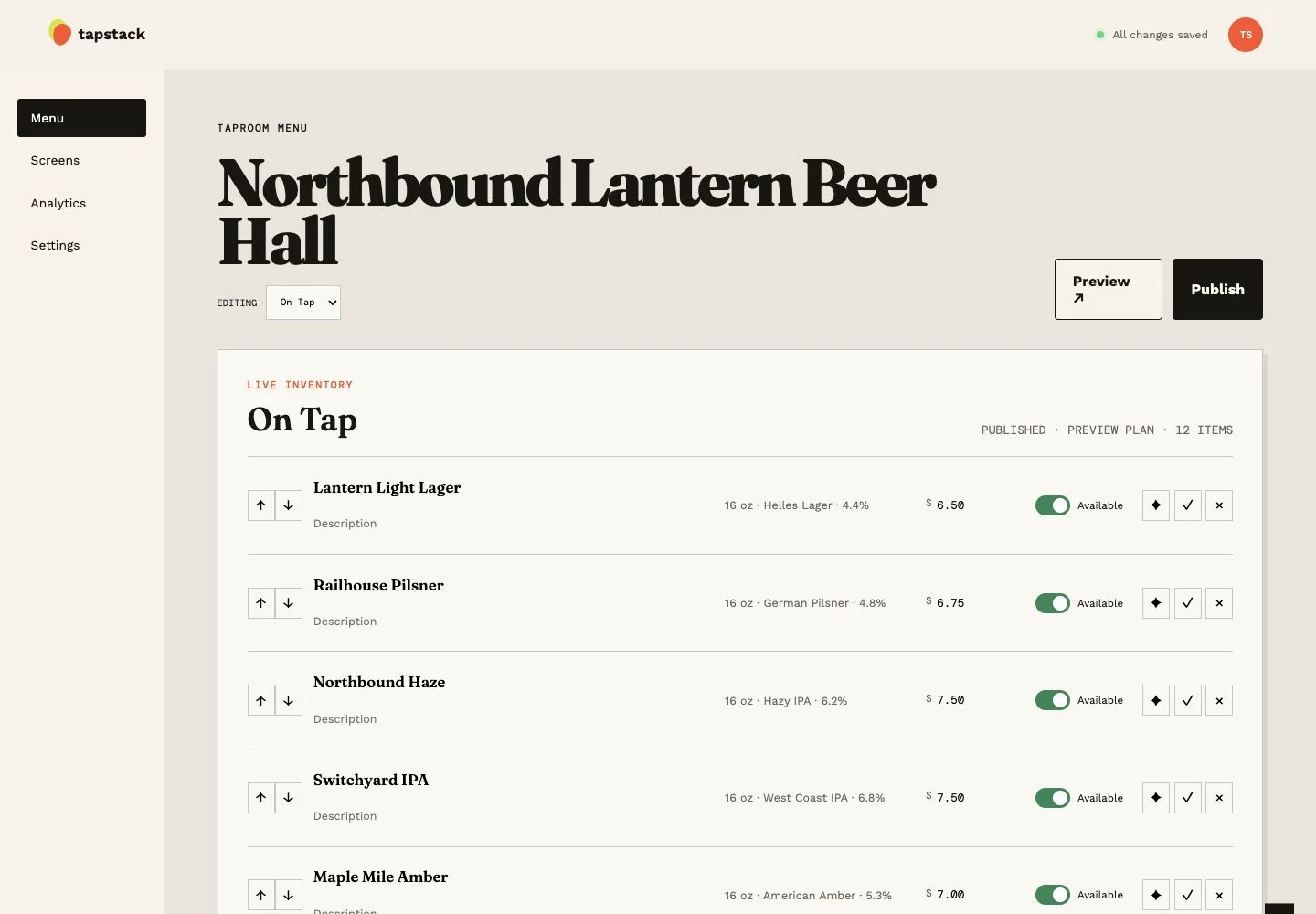
Venue Menus imports Square catalog items and variations, including price and serving-size information, and uses Square availability together with the venue's local availability setting. Synchronized Square fields are read-only in Venue Menus so a display edit cannot quietly change the source catalog. Menu placement, presentation, schedules, screens, web publishing, and print remain Venue Menus concerns.
Connect a Square location and bring relevant catalog variations into the structured menu instead of exposing an entire retail catalog.
Square-backed names, variations, prices, and catalog availability stay governed by Square while Venue Menus manages where they appear.
Square imports, manual refresh and automatic five-minute catalog synchronization are Free across all locations. No credits are needed.
One operating loop
Import Square or a supported Untappd Business tap list for free, or enter items manually.
Edit names, descriptions, prices, sizes, sections, and availability in your draft.
Use the same approved tap list for TV, web, QR, embed, and print, then update it during service.
Questions, answered
Yes, for Free. The owner authorizes sales access, then staff set keg capacity and map imported Square serving variations to pour volumes. Completed Square sales reduce the estimated remaining volume. Record keg replacements and manual corrections in Venue Menus, and choose whether guests see the percentage left. Keg sensors are not required.
Synchronized base prices and sizes remain read-only. With separate catalog-update permission, owners can create recurring percentage discounts for selected Square items from Menus → Specials. These write Square discount rules, not base prices. Keep the POS online and its timezone correct to receive scheduled rules.
Square and local availability both gate whether the item is available on the Venue Menus menu.
Yes. Square is optional; menus can be entered directly or started from other supported source material.
Free publication, unlimited screens
Import Square or a supported Untappd Business tap list, or enter your menu manually. Review and publish without a credit card.
Build my menu