Keep source prices aligned
Square variation prices and sizes remain read-only in Venue Menus, reducing the chance that the screen and register disagree.
Square digital menu boards
Use Square as the catalog source and Venue Menus as the presentation layer, with item details, branded layouts, screen assignments, and other menu formats included.
The useful answer
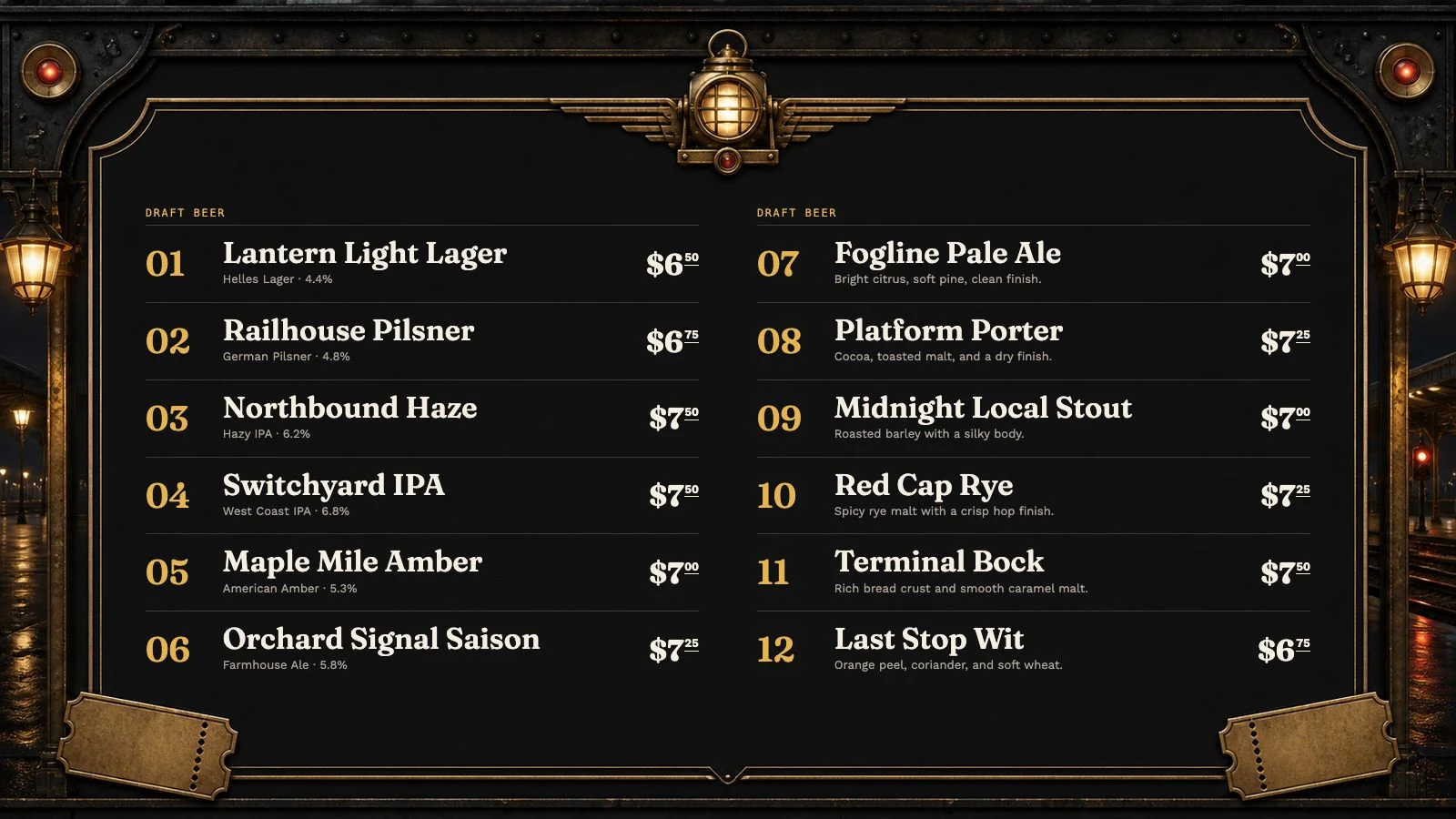
A Square catalog knows what can be sold, but a useful TV board also needs hierarchy, readable type, sections, tap numbers, descriptions, and a layout suited to viewing distance. Venue Menus imports Square data directly into structured menu items, then publishes a venue-specific landscape or portrait display. The same items can also feed web, QR, embed, and print outputs.
Square variation prices and sizes remain read-only in Venue Menus, reducing the chance that the screen and register disagree.
Use landscape, portrait, or multiple displays without turning the POS catalog into a cramped one-size-fits-all slide.
Organize synchronized items into Venue Menus sections and placements with the details a guest needs to order confidently.
One operating loop
Import Square or a supported Untappd Business tap list for free, or enter items manually.
Edit names, descriptions, prices, sizes, sections, and availability in your draft.
Use the same approved tap list for TV, web, QR, embed, and print, then update it during service.
Questions, answered
Square supplies catalog data. Venue Menus supplies the display URL, layout, menu controls, and publishing workflow.
Yes. Venue Menus includes unlimited screens and lets each screen use its own menu and orientation.
Yes. A Venue Menus menu can combine synchronized catalog items with locally managed content.
Free publication, unlimited screens
Import Square or a supported Untappd Business tap list, or enter your menu manually. Review and publish without a credit card.
Build my menu