Landscape and portrait
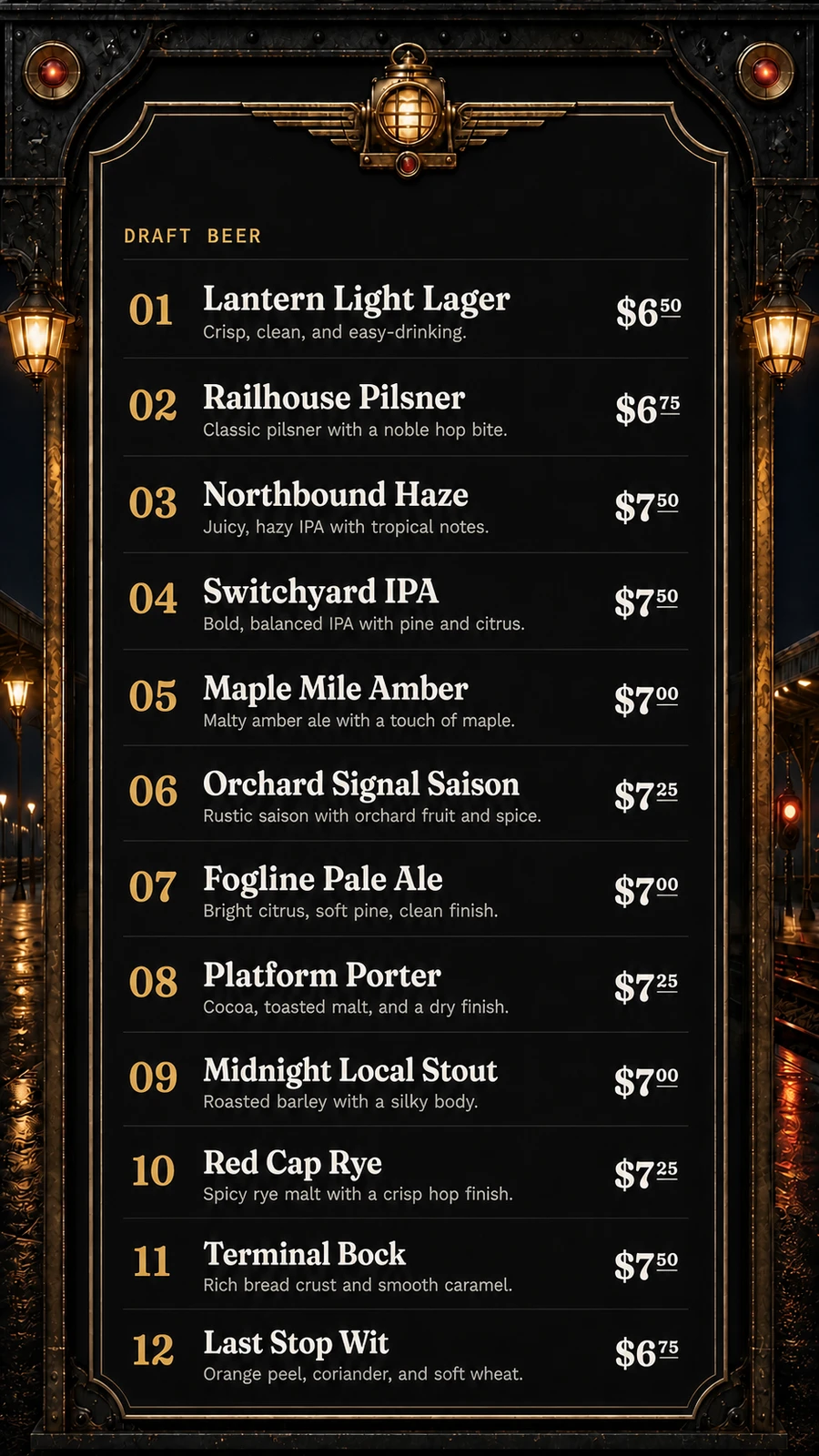
Choose the layout that fits the wall. Portrait screens use wider safe areas so names, details, and prices do not crowd the edges.
TV beer menus
Put a readable, branded tap list on one TV or a wall of screens without exporting a new image every time a keg kicks. This page focuses on the TV display; your digital beer menu remains the shared source staff update.
The useful answer
Static slides look fine until service starts. A live digital beer menu board lets staff mark an item sold out, change a price, or add the next keg without opening design software. Each Venue Menus screen has a private display address and can use its own orientation and menu. Free weekly and one-off schedules support screen groups, date exceptions, overlap review and temporary overrides. Overview shows player reports and the next scheduled menu change. Pair screens with a short code, identify a display or request a reload from a responsive player. The page refreshes its data automatically while preserving the venue's approved presentation.
Choose the layout that fits the wall. Portrait screens use wider safe areas so names, details, and prices do not crowd the edges.
Split a long list across screens or assign a different menu to another room without maintaining duplicate beer data.
Use a modern TV browser or a connected device capable of opening a full-screen web page. Venue Menus includes unlimited screens in Free.
One operating loop
Import Square or a supported Untappd Business tap list for free, or enter items manually.
Edit names, descriptions, prices, sizes, sections, and availability in your draft.
Use the same approved tap list for TV, web, QR, embed, and print, then update it during service.
Questions, answered
Yes. Turn on guest visibility for a tracked keg to show its estimated percentage left. Keep the remaining volume current manually or use authorized Square sales with mapped pour volumes. Tracking and the display are Free; staff still record keg replacements and corrections.
You need a TV and a browser-capable smart TV or connected player with reliable internet. Venue Menus does not require proprietary display hardware.
Yes. Unlimited TV screens are included, with separate menus and orientations. Group screens by room, assign menus and schedules to a group, and filter for players that need attention.
The player keeps its last good menu during temporary connection loss. After an online load has saved an offline copy, a compatible browser can also restart with that copy for up to 24 hours. Player reports show when it last checked in; they do not confirm that the physical TV is powered on.
Free publication, unlimited screens
Import Square or a supported Untappd Business tap list, or enter your menu manually. Review and publish without a credit card.
Build my menu