Update once
Change a beer, price, description, or sold-out status in the venue admin. The same current data feeds every published format.
Digital beer menus
Create one beer menu for your TVs, website, QR codes and print. Unlimited screens and locations, no subscription or credit card. Optional AI tools use prepaid credits.
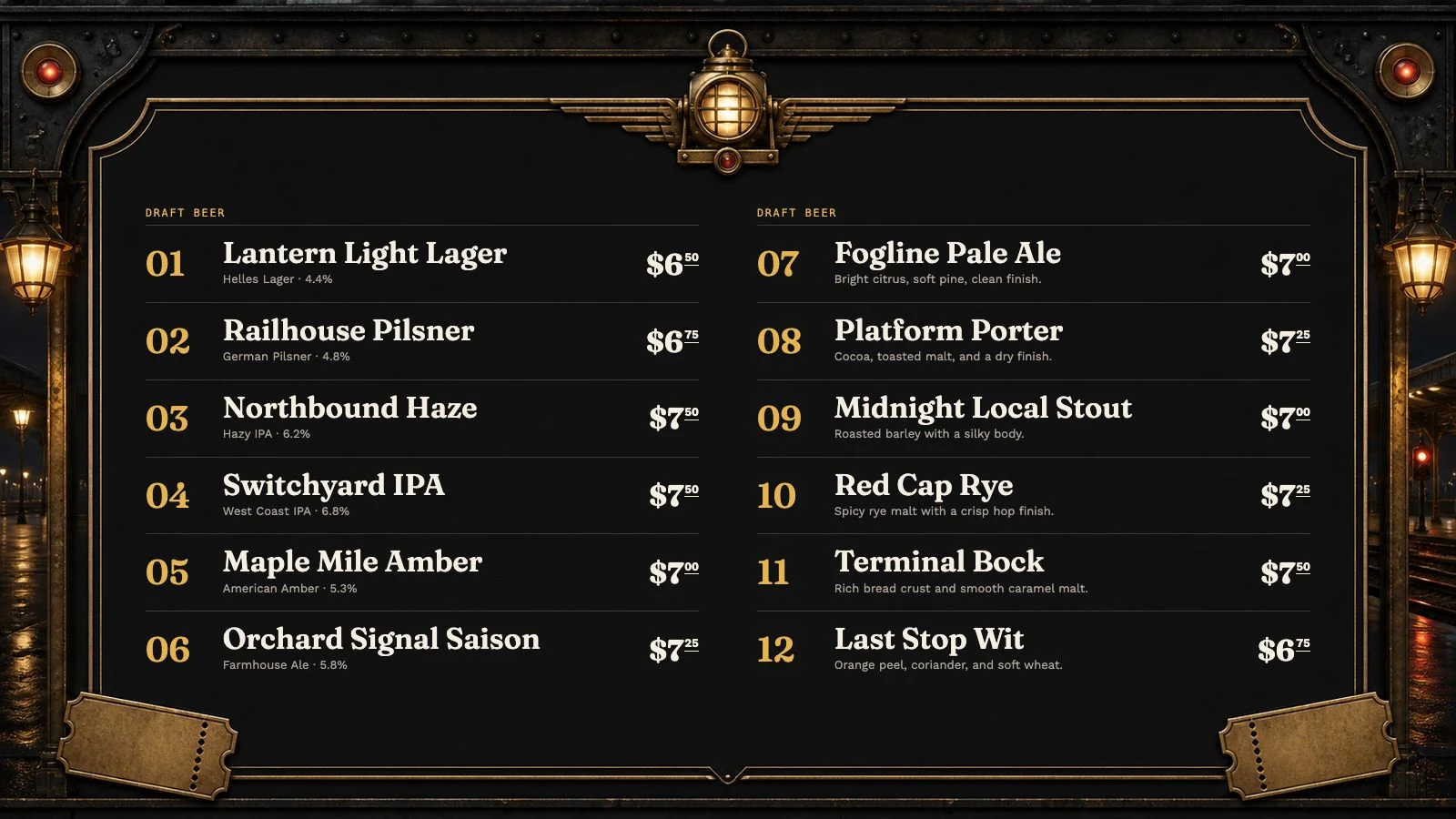
The useful answer
A digital beer menu is a live tap list that can be updated without redesigning a board or replacing a QR code. The useful version is more than a slideshow: beer name, brewery, style, ABV, serving size, price, description, and availability stay connected across every output. Venue Menus also supports coffee, tea, cocktails, wine, and non-alcoholic drinks, so the beer list does not have to live in a separate system.
Change a beer, price, description, or sold-out status in the venue admin. The same current data feeds every published format.
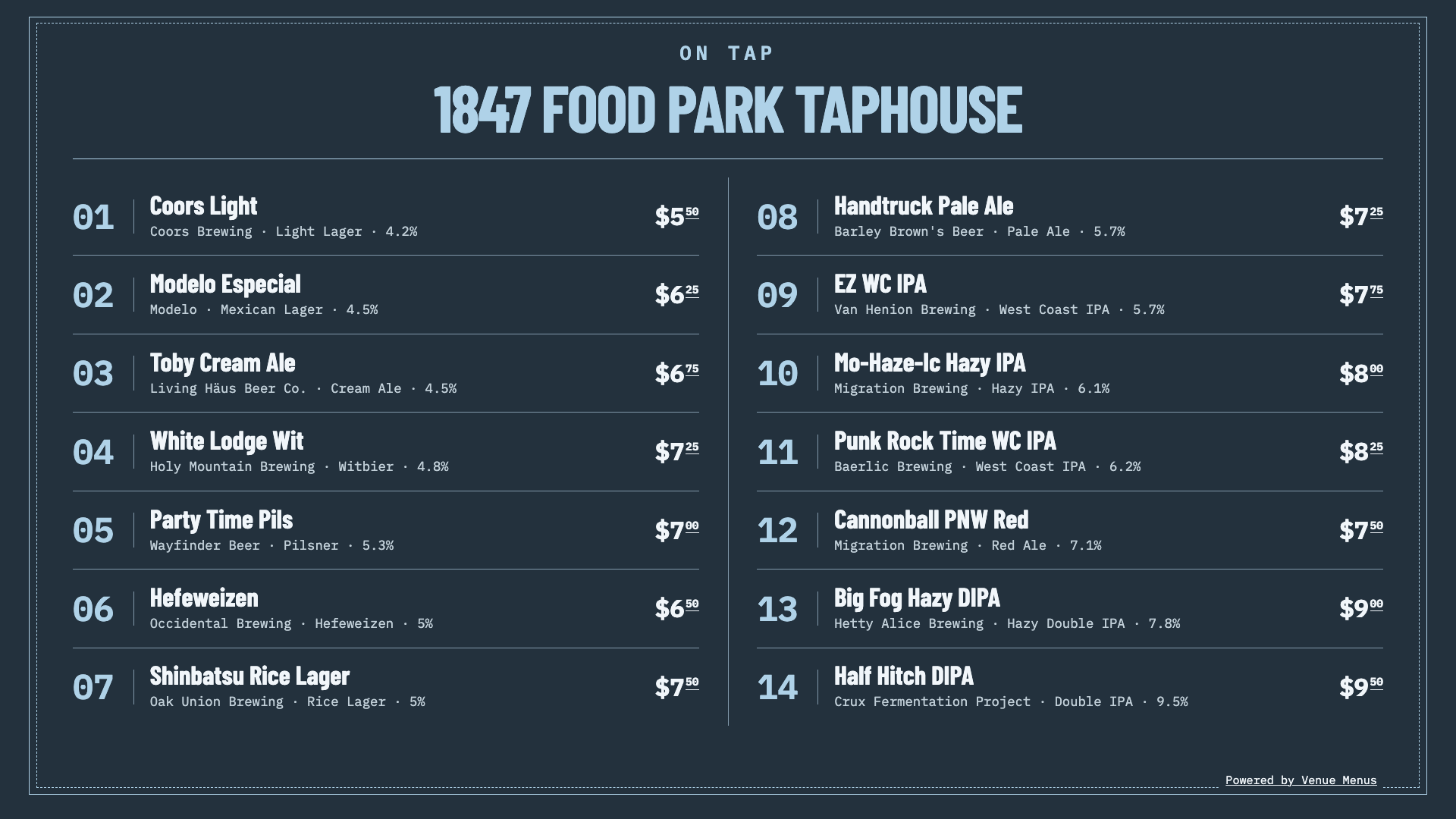
Open a private display URL in a TV browser or connected player. Landscape, portrait, and multiple-screen layouts are included.
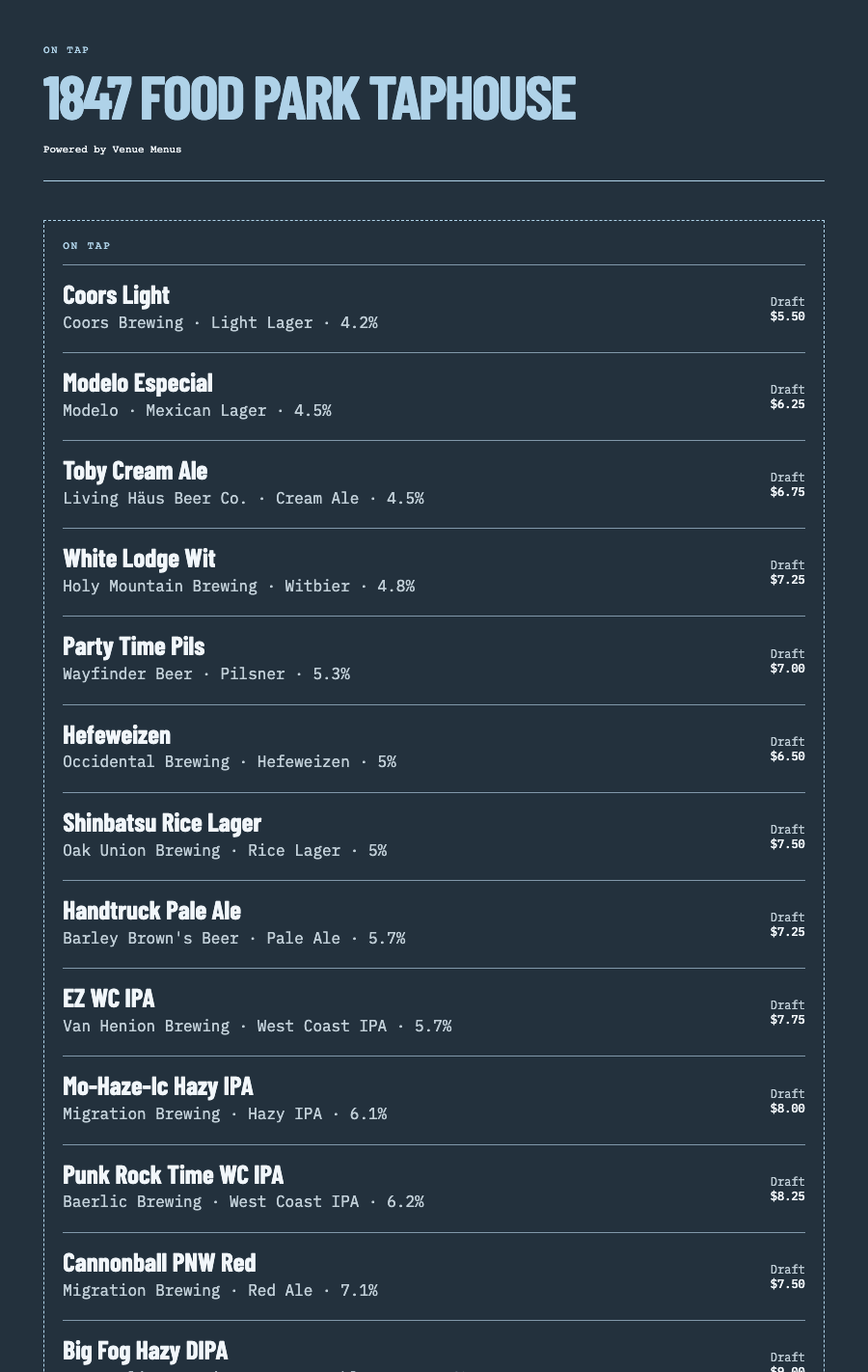
Give guests a fast mobile menu, embed the list on your site, print it for tables, and keep one permanent QR code in service.
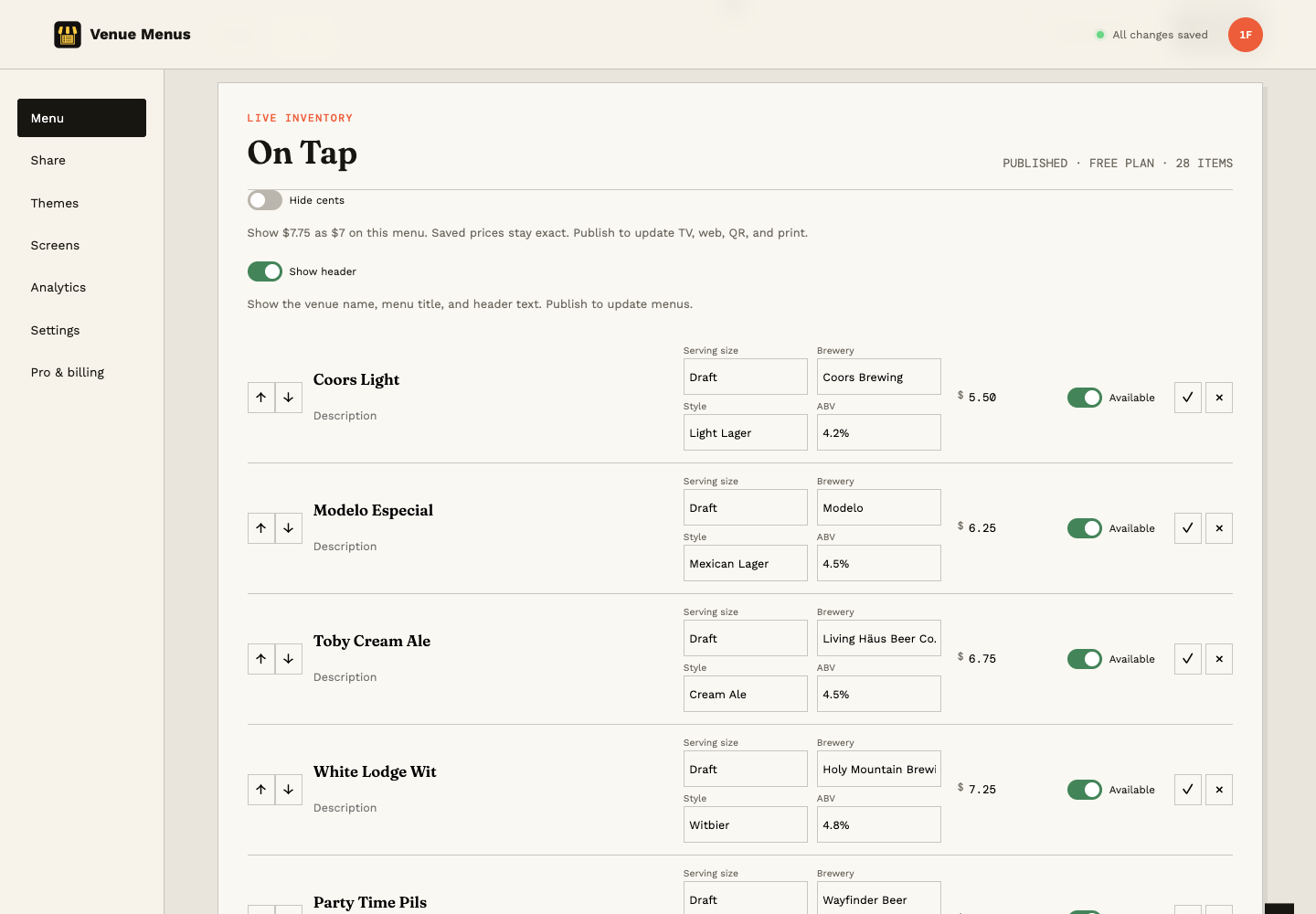
One sample tap list in Studio, on TV and on a phone. These are actual product captures using the included Blue Steel theme. Open any preview at full size.
Connect your assistant to edit menus, publish updates and manage screens or venue websites. MCP access is Free. You choose its permissions; spending and sensitive changes open a browser approval page.
Connect an assistantOne operating loop
Import Square or a supported Untappd Business tap list for free, or enter items manually.
Edit names, descriptions, prices, sizes, sections, and availability in your draft.
Use the same approved tap list for TV, web, QR, embed, and print, then update it during service.
Questions, answered
Use a modern browser on your smart TV or an HDMI-connected player with internet access. In Screens, use Pair TV to connect the player with a short code, then assign your published menu. TVs and players are supplied by you; no proprietary hardware is required.
Open your menu in Studio and change the item's availability. Publish the menu to update the version guests see on TV, web, QR and print. Later draft edits stay private until you publish again.
Menu editing, publishing, hosting, unlimited screens and locations, 20+ themes, team access and Square sync stay free. Optional AI work uses prepaid credits. Removing Venue Menus branding costs 500 credits once across your account. There is no subscription.
Yes. Enable keg-level visibility to show an estimated percentage left on TV, web, QR, embed and print menus. Tracking is Free: update remaining volume manually or connect authorized Square sales and map pour volumes for automatic deductions. No keg sensors are required.
Venue Menus Free costs $0 forever across all your locations, including publication and unlimited screens. TVs and connected players are not included.
Yes. The same menu can include coffee, tea, cocktails, wine, cider, and non-alcoholic drinks.
No. The QR code points to a permanent menu URL, so the content changes while the printed code stays the same.
Free publication, unlimited screens
Import Square or a supported Untappd Business tap list, or enter your menu manually. Review and publish without a credit card.
Build my menu