House and guest beer
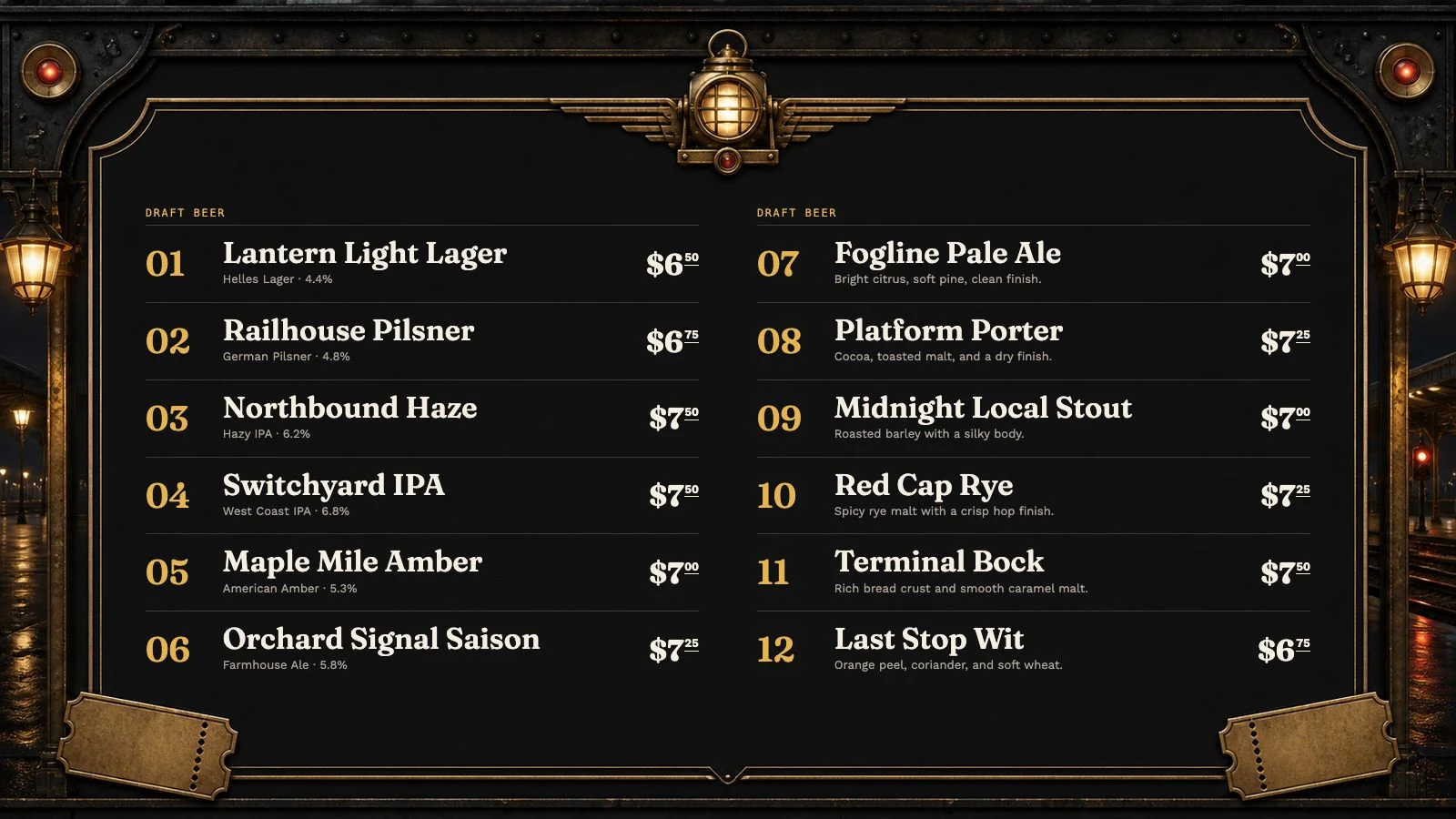
Show brewery, origin, style, ABV, description, tap number, and one or more serving prices without squeezing everything into a spreadsheet image.
For breweries and taprooms
Publish house beer, guest taps, cider, wine, coffee, and NA options together. When the list changes, Venue Menus gives the taproom one quick update instead of five separate chores.
The useful answer
Brewery menus change more often than ordinary restaurant menus. A keg can kick mid-service, a pilot batch may have limited availability, and a new release needs useful details before the board goes live. Venue Menus keeps each beer as structured data, then places it on the venue's current menus and screens. Staff can make availability changes while owners retain account and billing control.
Show brewery, origin, style, ABV, description, tap number, and one or more serving prices without squeezing everything into a spreadsheet image.
Assign menus to screens so a main bar, event room, and printed service list can share data without being identical.
Use a hosted menu or embed the live list into the brewery website. Guests do not need an app or an account to read it.
One operating loop
Import Square or a supported Untappd Business tap list for free, or enter items manually.
Edit names, descriptions, prices, sizes, sections, and availability in your draft.
Use the same approved tap list for TV, web, QR, embed, and print, then update it during service.
Questions, answered
Yes. Set capacity and remaining volume for each tracked menu item at a location. Update it manually or use authorized Square sales and mapped pour volumes for automatic deductions. Record replacements and correct for spills or unrecorded pours. Tracking is Free, and you choose whether guests see estimated levels. A zero estimate does not automatically mark an item sold out.
Yes. Lists can be organized into sections and distributed across multiple display screens.
Yes. Coffee, tea, cocktails and alcohol-free drinks can share the menu with your beers.
Yes. Square catalogs and supported Untappd Business tap lists import for free. You can also review PDF, photo or pasted-text imports, or enter items manually. Optional assisted drafting uses credits.
Free publication, unlimited screens
Import Square or a supported Untappd Business tap list, or enter your menu manually. Review and publish without a credit card.
Build my menu