Permanent code
Print the scalable QR image once. Menu changes happen at the destination, not inside a disposable code.
Square QR menus
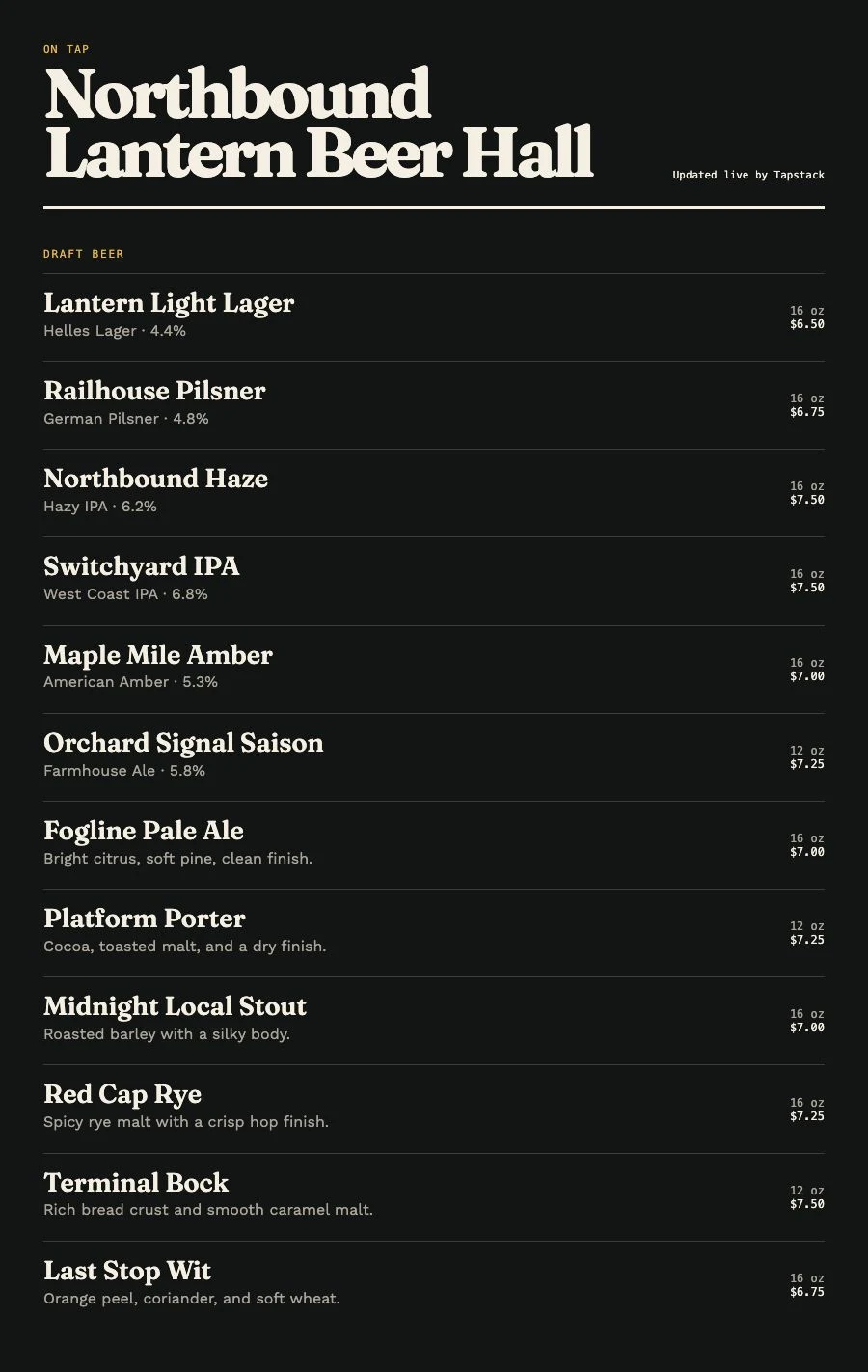
Venue Menus turns selected Square catalog items into a mobile-first public menu and permanent QR code, while the same data can continue to TV and print.
The useful answer
A POS catalog and a guest menu have different jobs. Venue Menus reads relevant Square item and variation data, preserves Square as the authority for synchronized fields, and presents those items in a focused public menu. The QR code points to a stable web address, so you can update the list without reprinting table tents or signs.
Print the scalable QR image once. Menu changes happen at the destination, not inside a disposable code.
Synchronized names, variations, sizes, prices, and source availability stay aligned with the Square catalog.
Choose menu sections, ordering, descriptions, venue styling, and the public layout without making the POS screen guest-facing.
One operating loop
Import Square or a supported Untappd Business tap list for free, or enter items manually.
Edit names, descriptions, prices, sizes, sections, and availability in your draft.
Use the same approved tap list for TV, web, QR, embed, and print, then update it during service.
Questions, answered
No. The integration is used to build the relevant Venue Menus menu; it is not a raw public dump of the catalog.
No. They scan the QR code and read the Venue Menus menu in a web browser.
Yes. TV, web, QR, embed, and print are included Venue Menus outputs.
Free publication, unlimited screens
Import Square or a supported Untappd Business tap list, or enter your menu manually. Review and publish without a credit card.
Build my menu